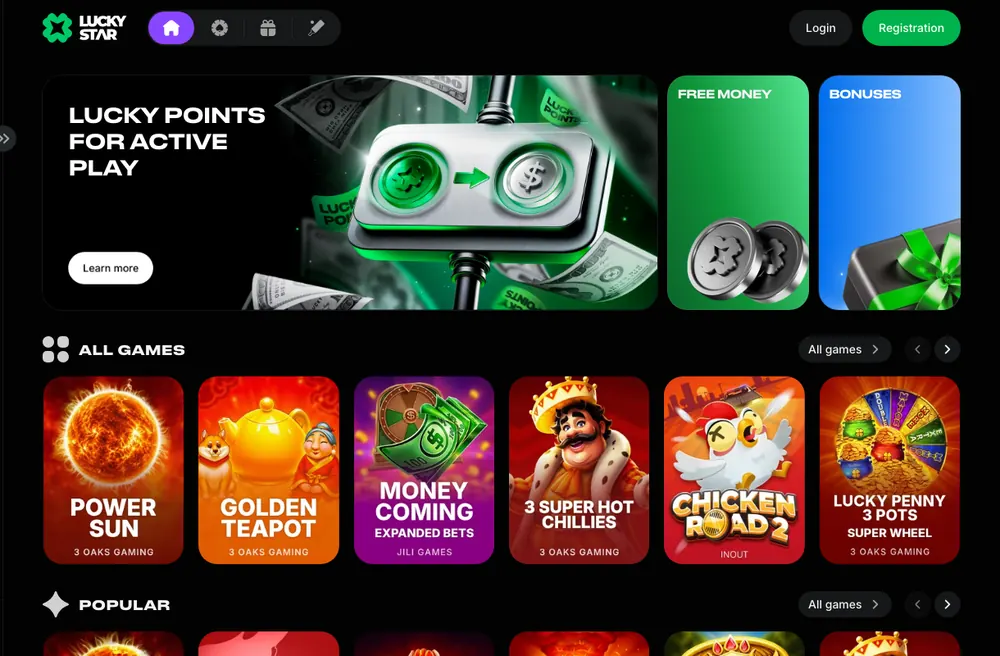



Lucky Star Support: Live Chat 24/7 and Email
Lucky Star support handles payments, verification, bonus questions, access and changes to account details. Start with the live chat, open 24/7, or email contact@lucky-star.best. Email also takes a complaint to management with your earlier correspondence attached.
18+ · New players only · Operator bonus terms apply · Play responsibly
 Written by Anusha Khan · Checked by: Denise MatheyUpdated
- Lucky Star has live chat open 24/7 and email at contact@lucky-star.best.
- Take payment, verification or access questions to chat; use email to keep the conversation and attachments together.
- An unresolved complaint goes to management by email, then to an independent dispute service whose address you can request from support.
Lucky Star support at a glance
Choose a contact channel and keep the complaint deadlines with your account details.
| Contact or request | Details |
|---|---|
| Live chat | 24/7 |
| Support email | contact@lucky-star.best |
| Brand channels | WhatsApp, Telegram, X |
| Complaint route | Support → management by email → independent dispute service |
| Complaint deadlines | Bets: 30 days; games: 12 weeks |
| Confirmed data changes | Request through support |
| Deposit limit requests | Customer Service |
Contact options sit alongside the account and dispute protections that matter when choosing Lucky Star.
What you can ask support
A pending payment needs its transaction reference; a verification question needs the document type. Bonus enquiries should come from the email address in your account profile. For access problems, start with the address you are trying to open.
Payment pending
In India, allow 1–3 minutes after confirming a UPI payment, refresh, then give chat the UTR if it is still pending.Verification
KYC covers an identity document, a utility bill no older than 3 months and proof that the payment method belongs to you.Bonus question
Email support from the address in your account profile. Name the promotion and describe what happened.Account data change
Ask support to change confirmed details. Include your account ID and the information you want corrected.Deposit limit
Request a deposit limit through Customer Service. Specify the period you want the limit to cover.Site not opening
Use the Lucky Star address information and email support for the current address. Country restrictions are in the status section.
A withdrawal question also involves identity checks: match the name on your profile to the payment method, then use the withdrawal rules to explain which stage your request has reached. KYC includes ownership of the payment method as well as identity and address. Lucky Star can also request video verification if it suspects unfair play; identify a video-check question when contacting support.
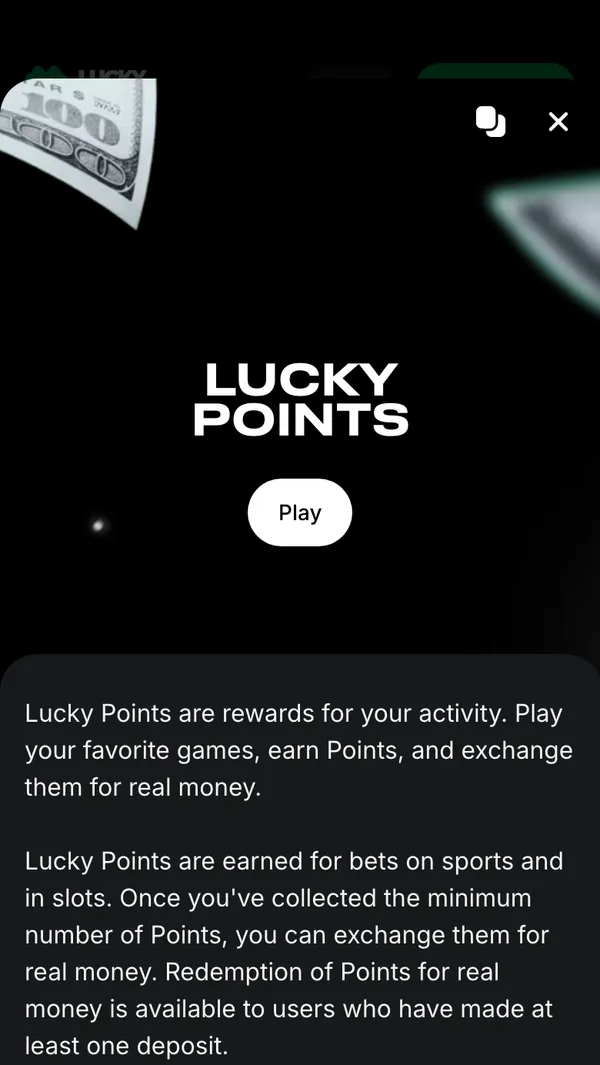
For a bonus enquiry, name Lucky Points or the promotion shown in Promotions. Include the action you completed and the result you expected, so the message identifies the reward in question.
How to reach Lucky Star support
The Support control sits in the Lucky Star header. Email gives you a separate route when you need to attach earlier correspondence or cannot open the site.
Live chat
Tap Support 24/7 in the header to contact Lucky Star chat.Email
Write to contact@lucky-star.best with your account details and question.Brand channels
WhatsApp, Telegram and X carry Lucky Star updates. Support can also provide the current site address.
Chat or email?
Chat suits a payment or access question you need to raise now. Email keeps a written complaint together with the conversation it concerns. When escalating, address the message to management and attach that correspondence rather than sending only a new description of the problem.
Promotion questions use the email address in your profile as the sender. Include the promotion name in that message; questions about a specific account belong with Lucky Star support. Questions about the information on luckystar.ing go to the site editors.
 New account offer
What to prepare before you write
Your account ID identifies the account; the transaction reference identifies the payment. Put the relevant details into the same message and include the exact error text when access or payment fails.
- Account issues
Your account ID
Include the ID from your account with the question it concerns. - Payment info
Payment method and amount
Name the method, the amount and the currency used for the payment. - Payment issues
Transaction reference
For UPI in India, copy the 12-digit UTR from your banking app. - Chat or email
An image of the error
Include the error message and describe the action that produced it. - Email support
Your registration email
Include the email used at registration; send bonus questions from the profile address.
For payment questions, pair the reference with the amount instead of sending the amount alone. In India, the UPI deposit process uses this reference in Payment Details before confirmation; it is also the reference to include when asking about that payment.
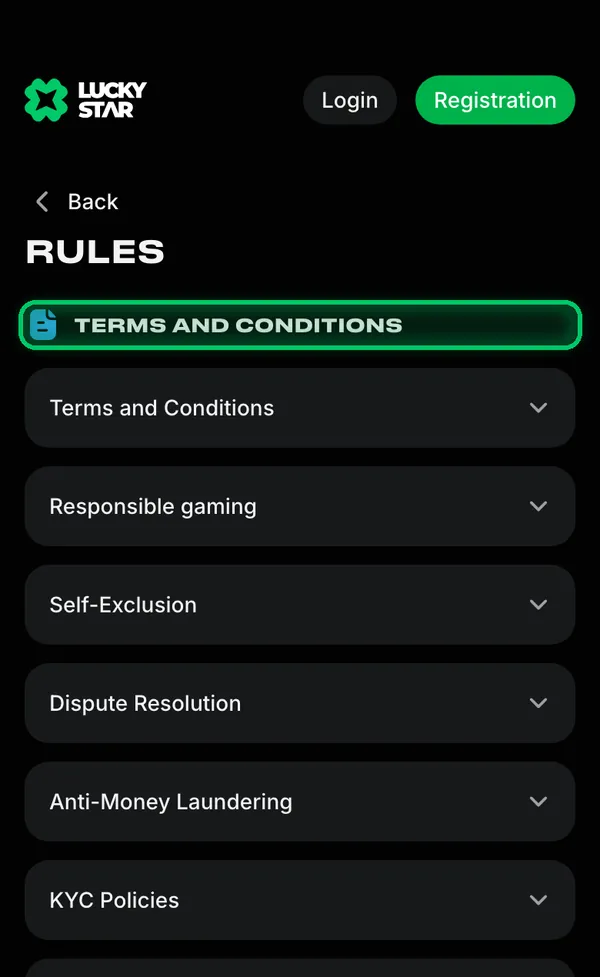
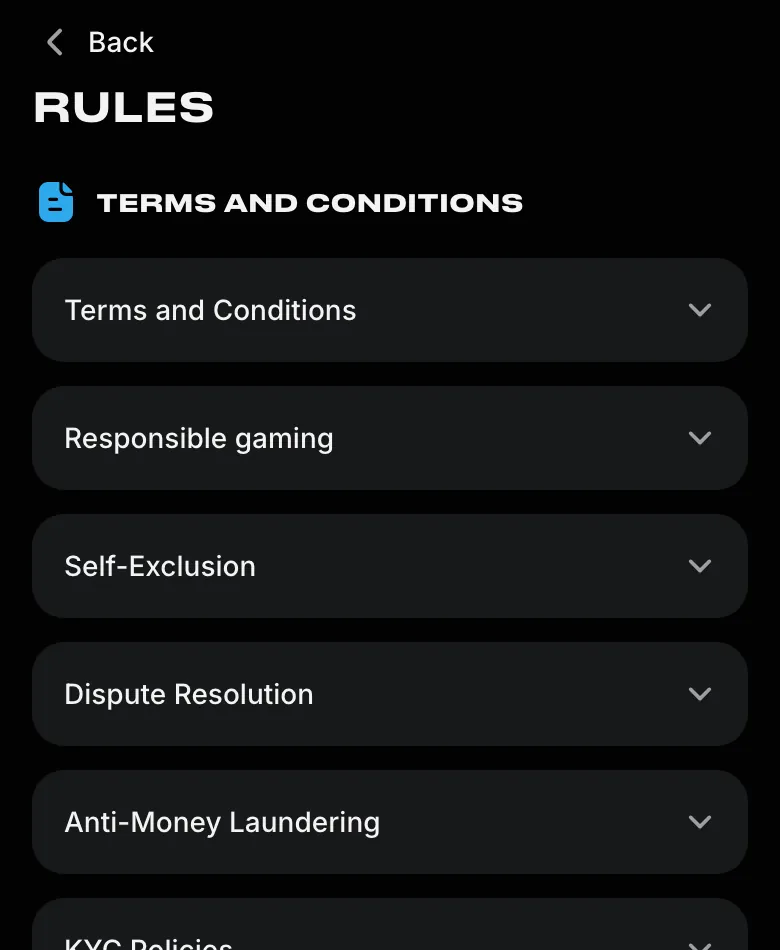
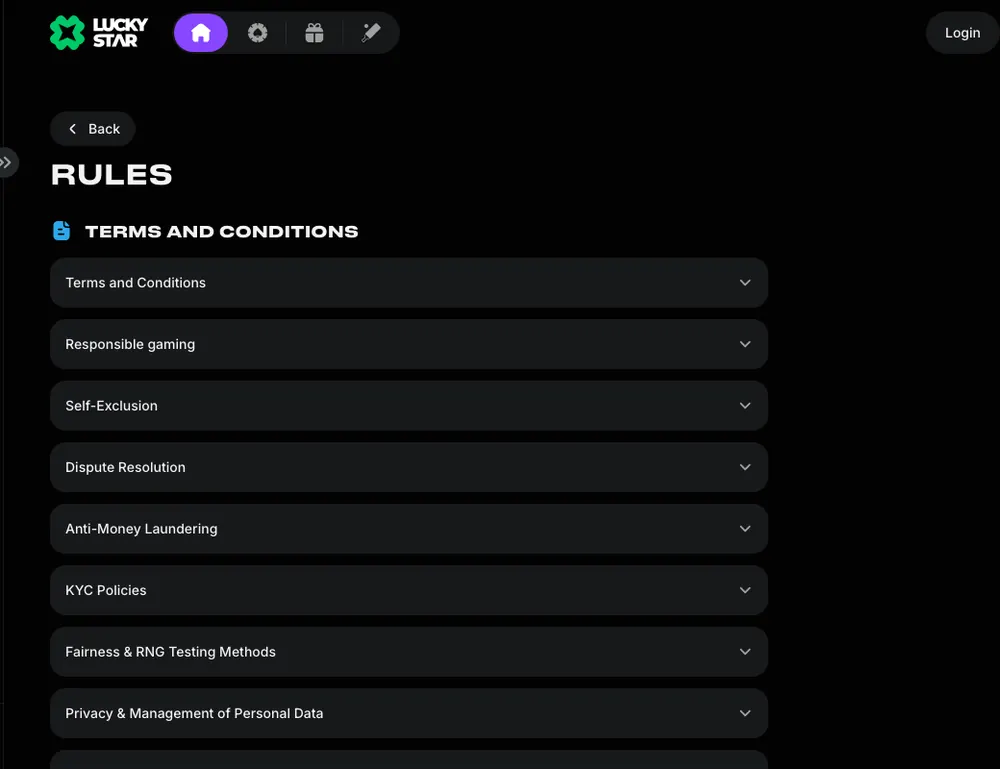
Lucky Star groups payment and account documents under Rules: Accounts, Payouts and Bonuses covers payment rules, while KYC Policies covers identity checks. Identify the relevant subject in your message so a payment enquiry stays distinct from a document question; the issue list above sets out what to include.
If the issue is not solved
An unresolved answer has a further route: management by email, then an independent dispute service. Keep the earlier conversation attached to the complaint so the next recipient has the exchange you are disputing.
- 1
Start with support
Explain the issue in chat and include the account or payment details. - 2
Email management
Send the complaint to contact@lucky-star.best with the conversation attached. - 3
Read the answer
Wait for the reply before taking the unresolved complaint further. - 4
Request dispute contacts
Ask support for the address of an independent dispute resolution service. - 5
Meet the complaint deadline
Complaints about bets: within 30 days. Complaints about games: within 12 weeks.
The complaint procedure sits in Terms and Conditions, with Dispute Resolution listed as a separate policy. A complaint to management should include the support correspondence, so retain the conversation when you first raise the issue. The next stage is a request for the dispute service's address through support.
Questions about this website's wording belong with the luckystar.ing editorial contact; a Lucky Star account or payment complaint follows the process above.
Self-exclusion, limits and help
Deposit limits are arranged through Customer Service; self-exclusion uses the form in account settings. Choose the control that matches the change you want, from a spending limit to a break from gambling.
Deposit limits
Set daily, weekly or monthly limits through support. Reductions apply immediately; increases take effect after 24 hours.Cooling-off periods
Pause gambling for 24 hours, 7 days, 1 month or 3 months. The account stays active while play is switched off.Self-exclusion
Use the form in account settings for 1, 3, 5 or 10 years, or permanently. The selected period cannot be ended early.Help outside Lucky Star
GamCare, Gambling Therapy and Gamblers Anonymous are the help organisations named in Lucky Star's responsible gaming rules.
If gambling stops being fun
The responsible gaming controls and help contacts bring together breaks from play and support outside Lucky Star. Use the self-exclusion form for an exclusion request; chat handles deposit-limit requests. Cooling-off keeps the account active but disables gambling for the chosen period.
Can't reach the site?
Email contact@lucky-star.best to ask for the current Lucky Star address when the site will not open. The current-address information explains the access route, while country availability is covered in the status section below. VPN is forbidden by the rules.
Terms used in a support request
These terms distinguish payment references, identity checks and account controls.
- KYC
- Know Your Customer: identity, address and payment-method checks required for withdrawal.
- UTR
- Unique Transaction Reference: the reference used to identify a UPI payment in India.
- Self-exclusion
- A period during which access to gambling is blocked through the account settings form.
New account offerSources
Where the facts on this page come from
- Lucky Star rulesComplaints, dispute resolution, KYC and safer play
- Lucky Star home pageSupport 24/7 in the header
- Lucky Star promotionsPromotion names for bonus enquiries
Lucky Star support FAQ
Tap Support 24/7 in the Lucky Star header to reach live chat, or email contact@lucky-star.best. Use email for a complaint with the earlier conversation attached.
Send your account ID, payment method, amount and transaction reference, plus an image of the error. For a UPI payment in India, include the 12-digit UTR from the banking app.
Start with support, then email management at contact@lucky-star.best with the correspondence attached. If the reply leaves the dispute unresolved, ask support for an independent dispute service's address. Submit complaints about bets within 30 days and complaints about games within 12 weeks.
Contact Lucky Star support to request a change to confirmed account details. Identify your account and explain which information needs correcting.
Contact Customer Service to set a daily, weekly or monthly deposit limit. A reduction takes effect immediately; an increase takes effect after 24 hours.
Email contact@lucky-star.best for the current address, or ask chat when you can access it. The address and access information explains how to reach Lucky Star; the country restrictions apply.
- First version of the page.
Who runs this page
luckystar.ing is an information site, not Lucky Star and not its official page: no deposits, bets or accounts are handled here.
The operator's published rules do not name a licence, regulator or legal entity. Availability depends on the country, and the terms of an offer depend on the country and the account currency: the bonus card in the Bonuses section of Lucky Star has the final wording.
For adults (18+) only. If play stops being fun, plan a budget and find help.
New account offer