



Lucky Star Payments: Deposit Methods for India
Choose your method, enter an amount and pay in your banking app. In India, Lucky Star lists UPI, PhonePe, PayTM and crypto for deposits, with instant credit in the table dated 1 October 2026. For UPI, finish by confirming the transaction reference. New players can receive up to 600 free spins on your first 4 deposits.
18+ · New players only · Operator bonus terms apply · Play responsibly
 Written by Anusha Khan · Checked by: Denise MatheyUpdated
- India deposits start at ₹300: UPI reaches ₹1,00,000 per payment, while PhonePe and PayTM reach ₹50,000.
- Crypto is also listed.
- The 1 October 2026 table gives instant deposit credit; IMPS withdrawals usually take up to 15 minutes, sometimes up to 72 hours.
- Limits change, so check the cashier.
Lucky Star payments at a glance
India uses rupees; the methods below distinguish deposits from withdrawals and keep the country tables separate.
| Payment detail | What applies |
|---|---|
| India registration currency | Indian rupee (INR) by default |
| India deposit choices | UPI, PhonePe, PayTM and crypto |
| India deposit credit | Instant, table dated 1 October 2026 |
| India withdrawal choices | IMPS and crypto |
| General withdrawal processing | Up to 72 hours for ≤ EUR 1,000 equivalent; above that, up to 7 days; after KYC |
| Payment fees | No withdrawal fee from Lucky Star; deposit fees come from the payment system |
| Crypto choices | BTC, ETH, LTC, TON, TRX, USDT |
| Malaysia deposit choices | FPX, Touch 'n Go, DuitNow, GrabPay, Boost and crypto |
| Country table dates | India: 1 October 2026; Malaysia: 5 October 2026 |
| Account currencies | 70+; extra currency accounts through “Add +” |
Use the India payment table to match a method to a deposit or a withdrawal.
Deposit in three steps
UPI has instant credit in India's dated deposit table. Payment runs through your banking app, then Lucky Star uses the transaction reference to finish confirmation. Tick off the main actions below.
- Methods
Choose a method and amount
Open Deposit and select a method for your payment. - Bank-app steps
Pay in your banking app
Enter the payment amount in the app and press “Proceed to Pay”. - UTR details
Confirm with the UTR
Return to Payment Details and submit the transaction reference.
The cash-out routes and processing rules cover the next stage after a deposit.
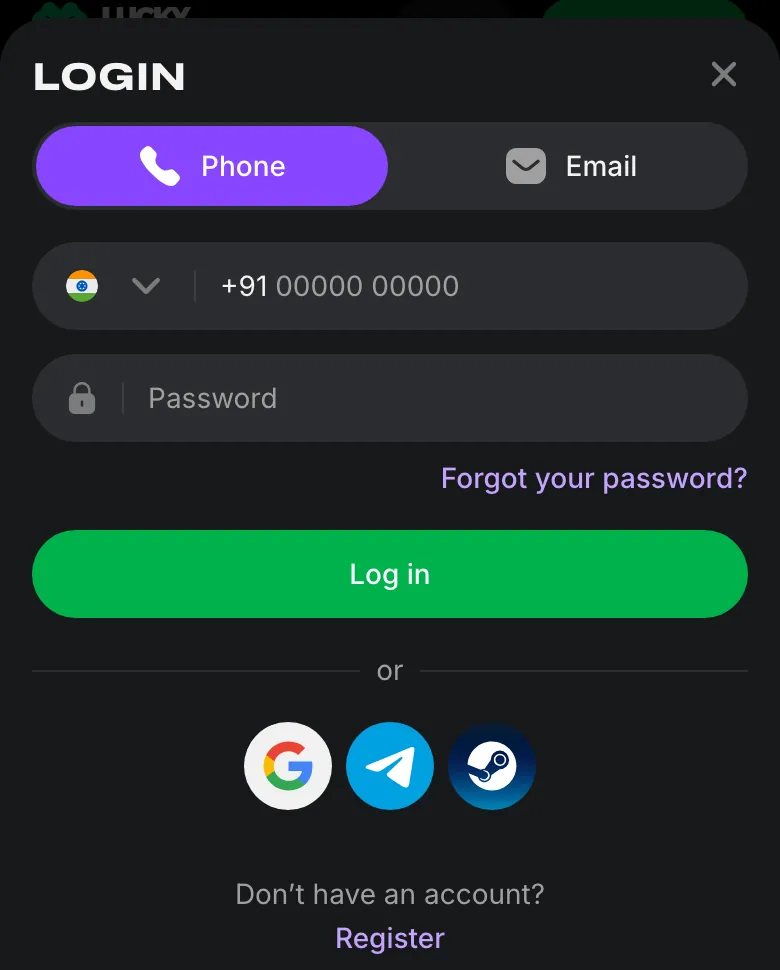
New players start with an account and a chosen currency; returning players use their phone or email with a password before opening Deposit.
Which method for which amount
UPI has the highest rupee ceiling among the listed India deposit methods. PhonePe and PayTM share a lower ceiling. These ranges come from India's table dated .
| Deposit method | Range in India |
|---|---|
| UPI | ₹300–₹1,00,000 |
| PhonePe / PayTM | ₹300–₹50,000 |
| Crypto | Depends on the coin and exchange rate |
Choose a method in your own name: the profile name must match the payment method, as the withdrawal conditions explain.
Payment methods in India
India's cashier table lists bank-app payments and crypto. Pick a rupee route for a rupee deposit, or choose a supported coin for a crypto deposit.
UPI
Bank-app payment followed by transaction-reference confirmation.PhonePe
A rupee deposit option in the India table.PayTM
Listed for deposits alongside the other rupee payment routes.Crypto
Deposit with one of the supported coins; amounts depend on the coin and rate.
The India cashier lists UPI, PhonePe, PayTM and crypto for deposits; its withdrawal entries use a separate set of methods.
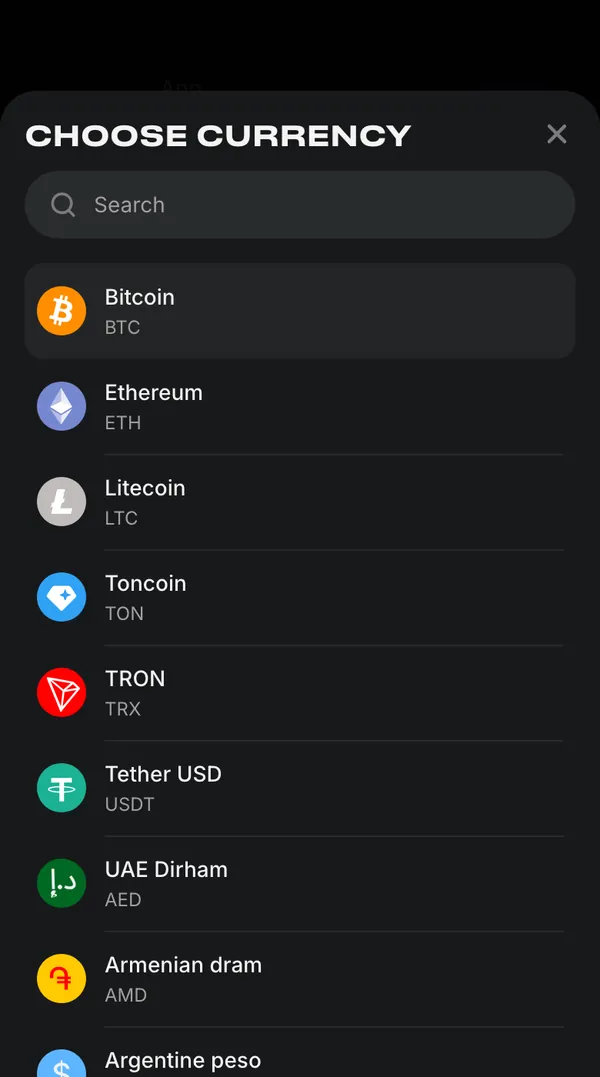
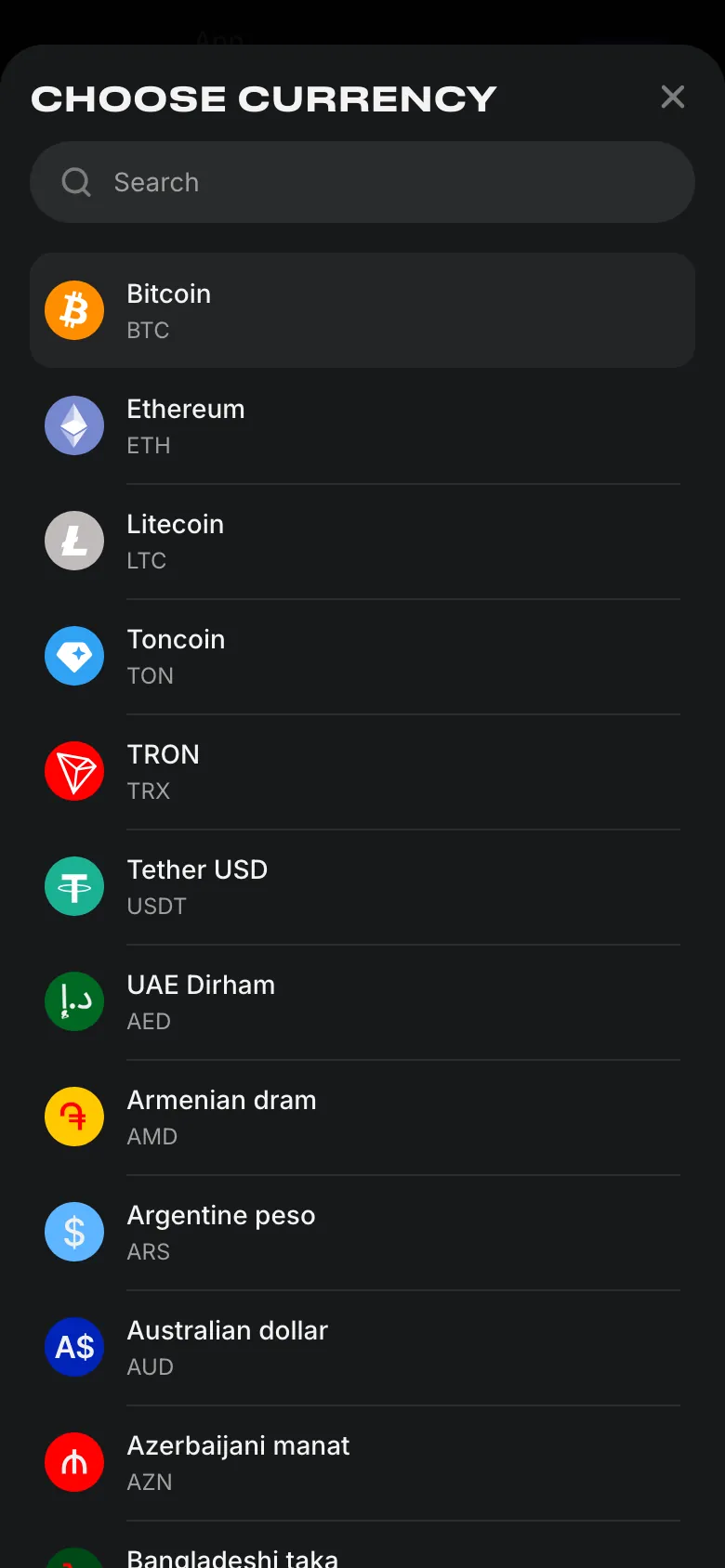
The currency selector includes both fiat accounts and coins. For India, the registration form starts with Indian rupee; the account currency and payment method are separate choices.
How a UPI deposit works, step by step
The UPI sequence continues after payment in the banking app. Submit the reference on the payment page to complete confirmation; the expanded sequence below keeps the button names in order.
- 1
Open Deposit
Enter the Deposit section of your account. - 2
Pick UPI and an amount
Select UPI, then enter the amount you want to pay. - 3
Pay in your bank app
Enter the amount again in the banking app and press “Proceed to Pay”. - 4
Submit the payment reference
Use the 12-digit UTR, press “I Paid”, then enter it in Payment Details and Confirm. - 5
Wait and refresh
Wait 1–3 minutes after confirmation, then refresh the page.
Keep the reference available until the balance updates; payment troubleshooting uses the same number.
| Action | What to do |
|---|---|
| 1 | Open Deposit. |
| 2 | Choose the UPI payment method. |
| 3 | Enter the deposit amount. |
All 11 actions
| Action | What to do |
|---|---|
| 4 | Open the banking application for the payment. |
| 5 | Enter the same amount in the banking application. |
| 6 | Press “Proceed to Pay”. |
| 7 | Find the transaction reference after payment. |
| 8 | Return to the payment page and press “I Paid”. |
| 9 | Enter the UTR under Payment Details. |
| 10 | Press “Confirm”. |
| 11 | Wait for the interval above, then refresh the page. |
The bank payment and the reference confirmation are separate actions; finish both before using the help steps for a pending payment.
What the UTR is
The UTR is the 12-digit transaction number shown after payment in your banking app. Enter that number in Payment Details, then press “Confirm” to submit it to Lucky Star.
If the balance does not update
A UPI payment ends with a reference confirmation and a page refresh. Follow the sequence below if the deposit still has not appeared after those actions.
Allow the confirmation interval
Wait for the interval in the UPI steps, then refresh the page.Check the reference digits
Compare the UTR in Payment Details with the transaction reference in your banking app.Send the UTR to support
If the balance still has not updated, send the reference to the support chat.
Lucky Star offers a 24/7 chat; payment support contacts also include contact@lucky-star.best.
Limits and timing: India
Deposits and withdrawals have separate entries in the India table. IMPS is the bank withdrawal route; the deposit entries above cover rupee payments into the account.
| Method | Direction | Amount | Timing |
|---|---|---|---|
| UPI | Deposit | See amount table above | Instant |
| PhonePe / PayTM | Deposit | See amount table above | Instant |
| Crypto | Deposit | Coin and rate dependent | Instant |
| IMPS | Withdrawal | ₹1,200–₹45,000 | Usually ≤15 minutes; sometimes ≤72 hours |
| Crypto | Withdrawal | Coin and rate dependent | Instant in this dated table |
| India-issued Visa cards | Withdrawal | Not supported | Use the listed withdrawal routes |
The withdrawal conditions and bank timing explain how the general processing rules apply alongside this country table.
 New account offer
Malaysia
Malaysia uses a different cashier list from India. The MYR table separates local deposit methods from bank withdrawals, so the rupee ranges above do not apply.
| Method | Direction | Amount in MYR | Timing |
|---|---|---|---|
| FPX Malaysian banks | Deposit | 20–5,000 | Instant |
| Touch 'n Go | Deposit | 30–1,000 | Instant |
| DuitNow | Deposit | 30–1,000 | Instant |
All Malaysia payment methods
| Method | Direction | Amount in MYR | Timing |
|---|---|---|---|
| GrabPay | Deposit | 30–3,000 | Instant |
| Boost | Deposit | 40–1,000 | Instant |
| Crypto | Deposit | Coin and rate dependent | Instant |
| Malaysian banks | Withdrawal | 100–5,000 | Up to 72 hours |
| Crypto | Withdrawal | Coin and rate dependent | Up to 72 hours |
Check the cashier for current Malaysia limits; the coin options below also distinguish account currencies from payment routes.
Crypto deposits
BTC, ETH, LTC, TON, TRX and USDT are supported for deposits and withdrawals. The amount depends on the chosen coin and its exchange rate; the country tables give the timing for each direction.
Crypto deposits are withdrawn as crypto and fiat deposits as fiat; the withdrawal conditions apply to this separation.
The currency picker lists the coins under their full names and codes. Extra accounts are added through “Add +”, alongside the main account, so a coin balance is separate from a fiat balance.
For the Philippines, South Africa and other readers in English-speaking Asia, use the cashier's country-specific methods; India's rupee table applies to India.
Withdrawing: where to look next
Withdrawals follow their own payment routes and require verification. Prepare an identity document, proof of address and proof that the payment method belongs to you.
Withdrawal routes
Use the withdrawal details for methods, amounts and the processing sequence.Before the first payout
Verification connects your identity and address to the payment method used for the account.
For address evidence, use a utility bill no older than 3 months; documents for a first payout form part of the KYC process.
Deposit and welcome bonus
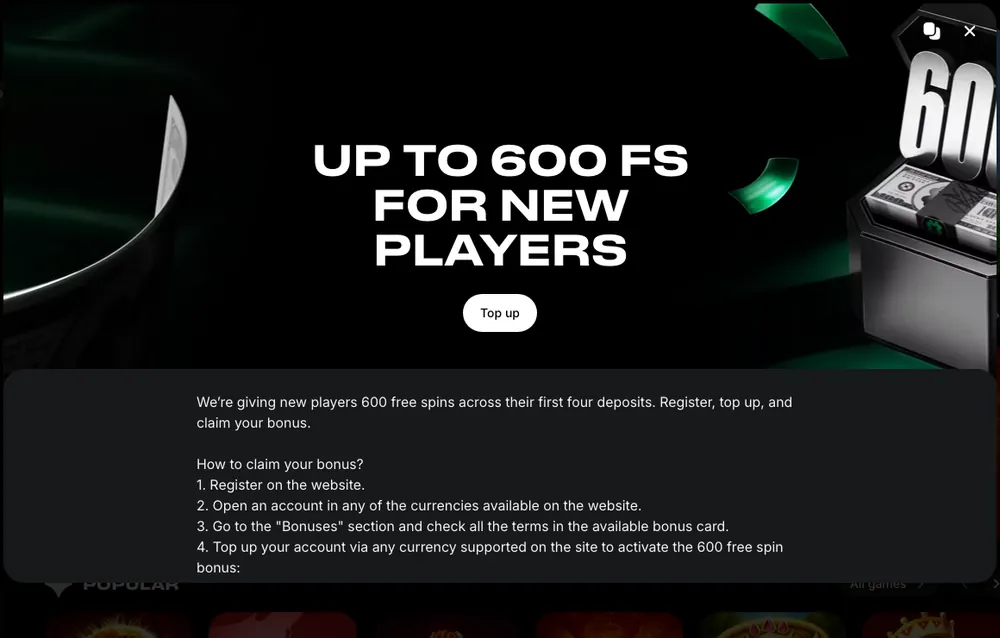
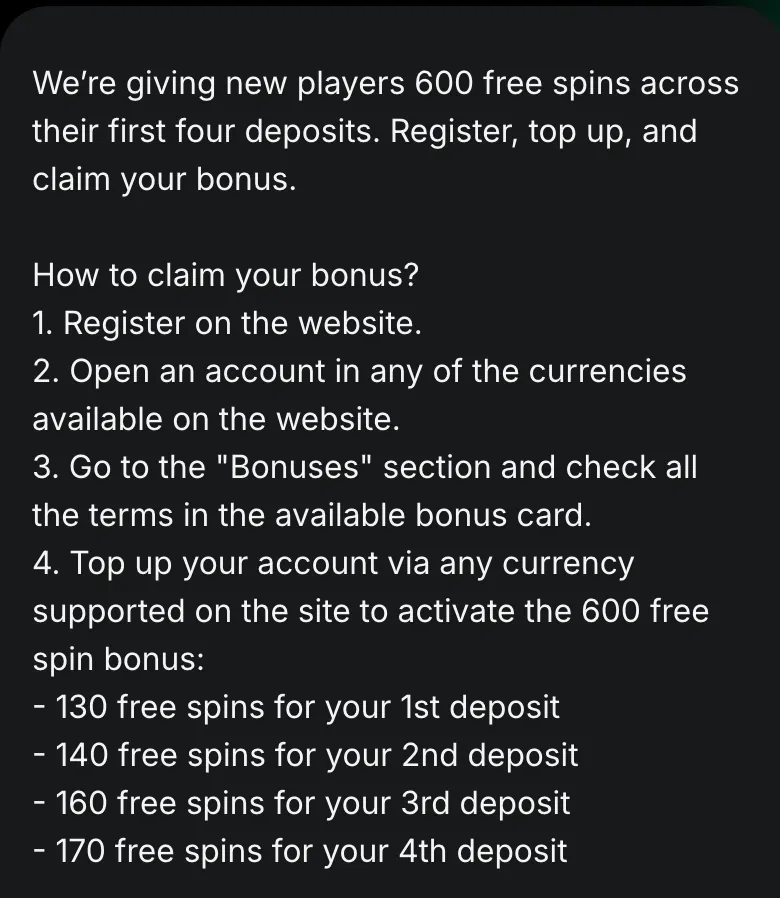
New players can receive up to 600 free spins on your first 4 deposits. A deposit activates its welcome stage, and each stage is available once.
First deposit
130 free spinsSecond deposit
140 free spinsThird deposit
160 free spinsFourth deposit
170 free spins
The welcome stages and bonus mechanics connect the deposit to its free spins; Lucky Points exchange becomes available after the first deposit.
Welcome deposit conditions
The minimum deposit, wagering requirement, win cap and deadlines are in the bonus card in the Bonuses section. Free-spin winnings are wagered in games under “Bonus wagering”; requesting a withdrawal or activating another bonus cancels the current bonus.
The terms at the foot of this page cover country and account-currency conditions, while deposit controls and breaks support a spending budget.
Payment terms explained
- UPI
- Unified Payments Interface, used for the bank-app deposit sequence described here.
- UTR
- Unique Transaction Reference, the transaction number shown after a bank-app payment.
- IMPS
- Immediate Payment Service, the bank withdrawal method in the India payment table.
- KYC
- Know Your Customer: identity, address and payment-method checks required for withdrawals.
Sources
Where the facts on this page come from
- Lucky Star rules: payments and the deposit sequencePayment rules and bank-app instructions
- Lucky Star promotionsWelcome deposits and free-spin stages
Lucky Star payments FAQ
Use UPI, PhonePe, PayTM or crypto. The India table dated 1 October 2026 lists these deposit methods. The cashier shows the current choices for your country.
₹300 is the starting amount for UPI, PhonePe and PayTM in the India table dated 1 October 2026. This is the payment-method minimum; the welcome package has separate bonus conditions.
Instant credit is listed for India's deposit methods in the table dated 1 October 2026. The UPI instructions finish with confirmation of the transaction reference, a short wait and a page refresh.
Enter the transaction reference from your banking app in Payment Details. Press “I Paid” after the bank payment, then submit the reference with “Confirm” on the payment page.
Wait for the interval in the UPI sequence, refresh the page and check the UTR digits. If the balance still has not changed, send the reference to Lucky Star's support chat.
No. A crypto deposit must be withdrawn as crypto, while fiat deposits must be withdrawn as fiat. The withdrawal conditions apply to your payment route.
- First version of the page.
Who runs this page
luckystar.ing is an information site, not Lucky Star and not its official page: no deposits, bets or accounts are handled here.
The operator's published rules do not name a licence, regulator or legal entity. Availability depends on the country, and the terms of an offer depend on the country and the account currency: the bonus card in the Bonuses section of Lucky Star has the final wording.
For adults (18+) only. If play stops being fun, plan a budget and find help.
New account offer