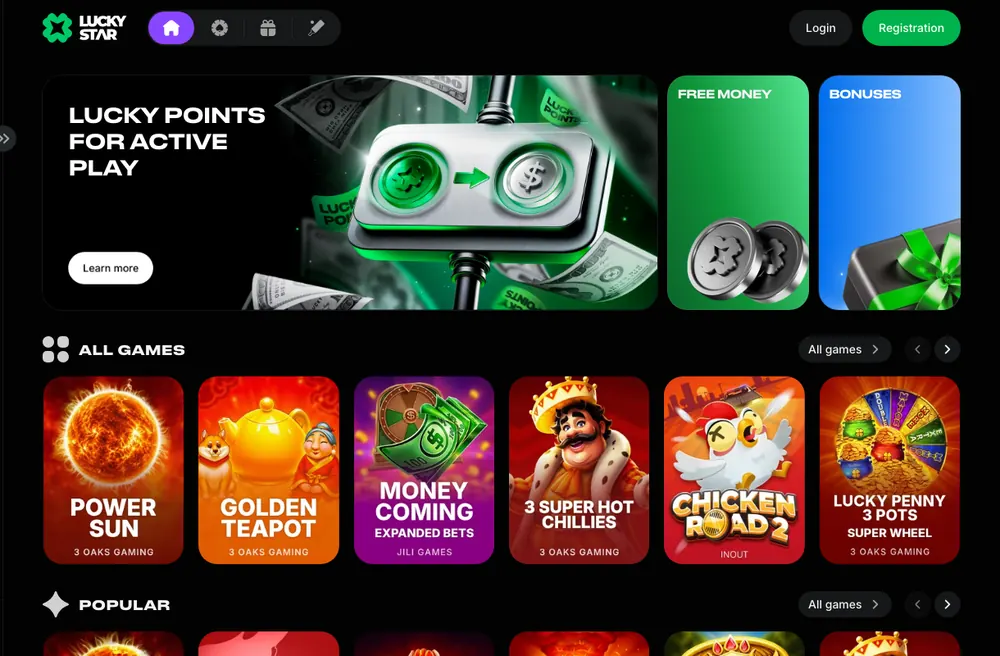



Lucky Star APK Download for Android: Steps and Safety
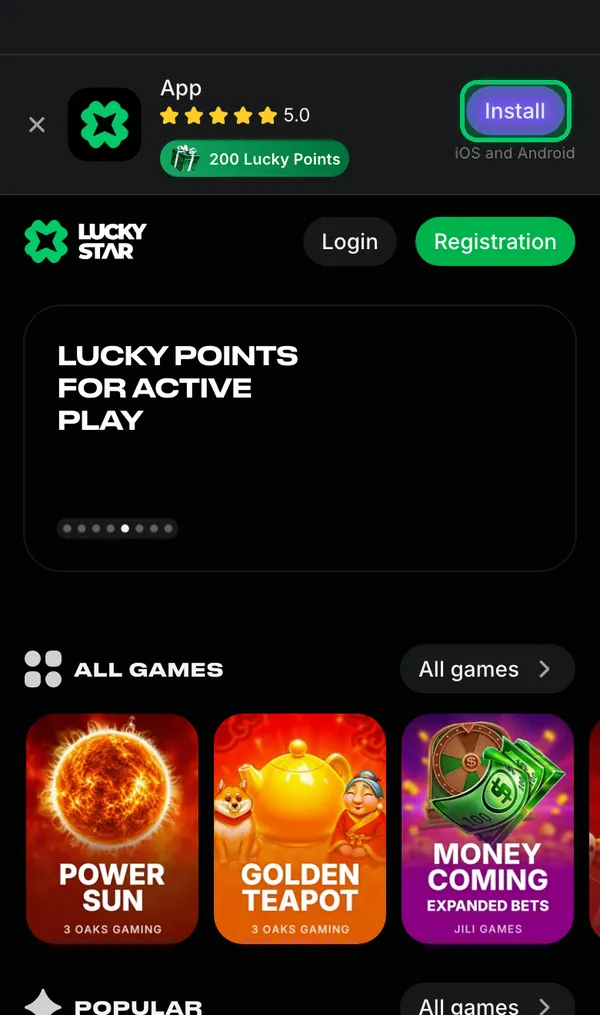
The Lucky Star APK comes from the Lucky Star site. Open it in your Android browser and tap Install in the app banner. The casino app is not in Google Play; use the casino site's download rather than a file from another APK site.
18+ · New players only · Operator bonus terms apply · Play responsibly
 Written by Anusha Khan · Checked by: Denise MatheyUpdated
- Download the Lucky Star APK from the casino site, rather than Google Play or another APK site.
- Tap Install on the mobile site, select Android, then download and open the file to install it.
- Installation earns 200 Lucky Points; your first Android push subscription earns 100 more.
Lucky Star APK at a glance
Use these details to find the Android file and recognise the rewards attached to it.
| Item | Android details |
|---|---|
| File | APK from the Lucky Star site |
| Google Play | Casino app not listed |
| Where to start | Install in the mobile-site app banner |
| Alternative route | Free money → Install on Android |
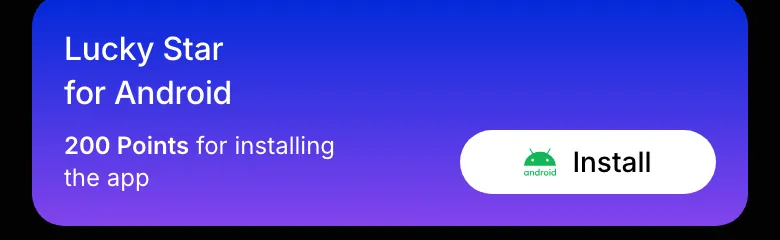
| Installation reward | 200 Lucky Points |
| Push subscription reward | 100 Points; Android only, first subscription |
| Account protection | Password; no two-factor protection |
For another device, Lucky Star app options cover the other installation routes.
Install the Lucky Star APK, screen by screen
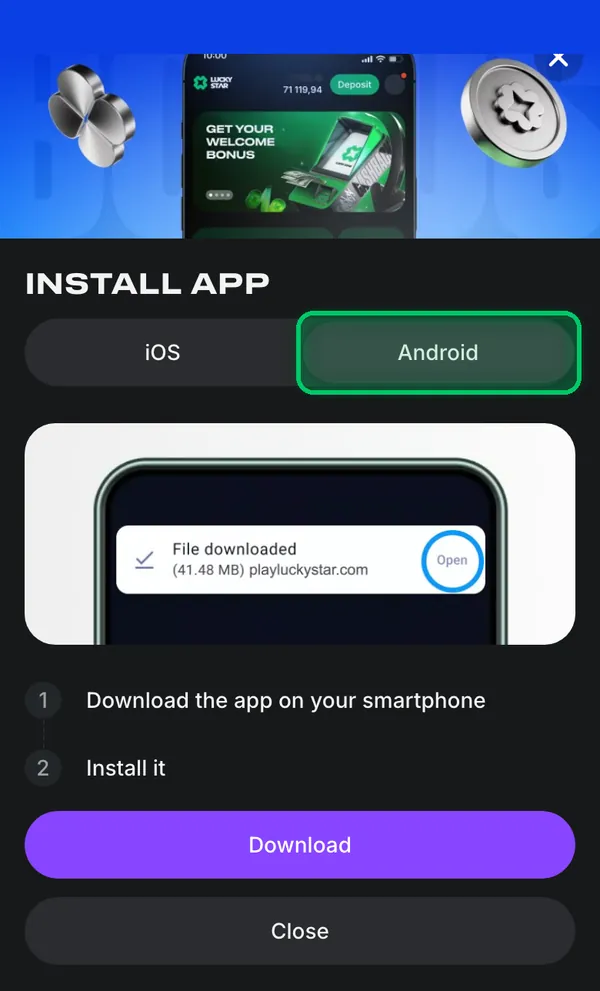
Install opens a window with separate iOS and Android tabs. Choose Android for the APK download.
Find the APK
- 1Open Lucky Star in your phone's browser.
- 2Tap Install in the app banner, then choose Android.
- 3Tap Download in the Install app window.
Finish installation
- 1Download the app file to your phone.
- 2Open the downloaded file and complete installation.
Open Lucky Star on your Android phone to follow the steps: Go to the site.
An iPhone uses a different route: the iPhone steps use Safari rather than an APK.
Which download is the real one
The casino APK is supplied through Lucky Star's own site. A matching app name in a store or download catalogue does not identify the casino app.
| Where you find it | What it is | What to do |
|---|---|---|
| Install on the Lucky Star site | The casino's Android package | Use this download |
| Lucky Star in Google Play | A different product | Skip it for casino access |
| Other APK download sites | Files not supplied by Lucky Star | Return to the casino site |
Why the file comes only from the site
Lucky Star distributes its Android package directly. The app banner and Free money installation task are the routes to that download.
The account and rules assessment covers the wider decision about playing at Lucky Star.
First launch: sign in and check your Lucky Points
Use your existing account credentials after opening the app. New players start with account creation before signing in.
- 1
Open the app
Launch Lucky Star after completing installation. - 2
Access your account
Sign in with your phone or email and password, or register if you are new. - 3
Find Lucky Points
Lucky Points are displayed separately from money in the balance.
The password recovery route covers forgotten credentials; the registration fields cover a new account.
Android extras: push and Telegram points
Installation and subscription tasks award Lucky Points. These points are separate from cash and follow the exchange rules below.
App installation
200 Lucky Points for installing the app on Android or iOS.Android push
100 Points for enabling push notifications on Android, for the first subscription only.Telegram subscription
100 Points for subscribing to Telegram through the Free money task.Points into money
Exchange after your first deposit, from 1,200 Points. The rate depends on account currency; exchanged money requires x1 wagering before withdrawal.
The welcome pack and points rewards include up to 600 free spins on your first 4 deposits, separate from the app tasks.
APK did not install? Check these first
Free money offers an Android installation button as an alternative to the banner. Start with that route if the banner is absent.
Install is not in the banner
Use the mobile site on your Android phone. A computer can show the macOS version; Free money → Install on Android is the other route.The site does not open
Support and Lucky Star's official channels provide the current address. Access restrictions are in the terms at the foot of this page.Searched Google Play
The casino app is absent from Google Play. Open the Lucky Star mobile site for the Android download.Another APK with the same name
Choose the file from the Lucky Star site. Files on other APK sites are not supplied by Lucky Star.
For help with installation or access, contact Lucky Star support through chat or email.
Keep your account safe
Password-based access has no two-factor option. Use a unique password for your Lucky Star account.
Install from the site
Use Lucky Star's own Android download rather than a package from another APK catalogue.Password-only protection
There is no two-factor protection. Keep your account password unique.Support 24/7
Use live chat for help with access, or email contact@lucky-star.best.
Account limits and breaks cover the controls available for managing play.
The country availability and account terms apply to app and browser access.
Android terms explained
APK identifies the Android installation file. PWA describes the different web-app route on iPhone.
- APK
- Android application package: the file used to install the Android app from the Lucky Star site.
- Lucky Points
- Reward points shown separately from your money balance and exchangeable for money under the points rules.
- KYC
- Know Your Customer: identity, address and payment-method checks required for withdrawals.
- PWA
- Progressive Web App: the web-app format used for Lucky Star on iPhone through Safari.
Sources
Where the facts on this page come from
- Lucky Star app and points tasksAndroid installation and subscription rewards
- Lucky Star rulesLucky Points exchange and account requirements
- Lucky Star mobile siteInstall banner and app window
Lucky Star APK questions
From the Lucky Star site. Use Install in the banner on the mobile site, or open Free money and choose Install on Android.
No. The Lucky Star casino app is downloaded from the casino site. Products called Lucky Star in Google Play are different apps.
No. Lucky Star supplies the casino APK on its own site; use that download rather than a file from another APK site.
200 Lucky Points for installing. The other tasks award 100 Points for your first push subscription on Android and 100 Points for subscribing to Telegram.
Exchange starts at 1,200 Points after your first deposit. The rate follows the table for your account currency. Money received from the exchange requires x1 wagering before withdrawal.
No. Lucky Star also works in your phone's browser, so installing the APK is optional. VPN is forbidden by the rules.
- First version of the page.
Who runs this page
luckystar.ing is an information site, not Lucky Star and not its official page: no deposits, bets or accounts are handled here.
The operator's published rules do not name a licence, regulator or legal entity. Availability depends on the country, and the terms of an offer depend on the country and the account currency: the bonus card in the Bonuses section of Lucky Star has the final wording.
For adults (18+) only. If play stops being fun, plan a budget and find help.
 New account offer